
Home / Top Free Deep Web Search Engines to Use
Top Free Deep Web Search Engines to Use
This guide is for privacy-conscious users seeking effective tools to explore the deep web safely and efficiently.
Free deep web search engines are specialized tools for content Google does not index, including databases, scholarly repositories, and Tor onion services.[1][2] Use CORE for academic resources, SEC EDGAR for U.S. company filings, and Ahmia for publicly accessible onion services; onion indexes are incomplete, and results may be offline.[3][4][5][6][7]
Deep Web vs. Dark Web: What These Search Engines Actually Cover
The deep web and dark web are often confused, but they serve different purposes. The deep web refers to parts of the internet not indexed by traditional search engines like Google. This includes databases, private websites, and content behind paywalls. In contrast, the dark web is a subset of the deep web that is intentionally hidden and typically requires special software, such as the Tor Browser, to access[1].
Tor onion services, identifiable by their .onion addresses, are accessible only through the Tor network. These services provide a layer of anonymity for users and website operators alike[8]. However, it’s important to note that no search engine currently indexes the entirety of the deep or dark web. Ordinary search engines like Google do not crawl .onion content, meaning that specific tools are required to find this type of information[9].
Comparison of Clearnet, Deep Web, and Dark Web Content
| Type | Content | Accessibility |
|---|---|---|
| Clearnet | Public websites, social media, and general information | Accessible via standard web browsers |
| Deep Web | Academic databases, private records, and subscription-based content | Requires specific search engines or login credentials |
| Dark Web | Anonymous forums, illicit marketplaces, and hidden services | Requires Tor Browser or similar software |
Engines like Ahmia and Torch specialize in indexing Tor onion services, but even these platforms only scrape a fraction of available content. A study found that Ahmia alone identified around 18,000 to 22,000 unique onion addresses within a week, indicating that the total number of accessible services fluctuates often[4].
When searching for content in the deep or dark web, it’s crucial to understand these distinctions and use the appropriate tools to navigate safely.
Best Free Deep Web Search Engines at a Glance
The following table provides an overview of some of the most popular free deep web search engines, highlighting their key features and requirements. This snapshot helps clarify which tools might best suit specific needs when navigating the deep and dark web.
| Search Engine | Index Type | Tor Requirement | Account Requirement | Cost/Free-Tier Limits | Filters | Advertisements | Best Use Case | Last Verified |
|---|---|---|---|---|---|---|---|---|
| Ahmia | Search Engine | Yes | No | Free; fluctuates between 18,000 to 22,000 addresses[4] | Yes | No | Finding publicly accessible onion services[3] | September 25, 2026 |
| Torch | Search Engine | Yes | No | Free; index varies widely[4] | Limited | Yes | General onion service searches[4] | September 25, 2026 |
| DuckDuckGo | Metasearch Tool | Optional (onion service available) | No | Free; primarily clearnet results[10] | Yes | No | General searches with privacy[10] | September 25, 2026 |
| FreshOnions | Search Engine | Yes | No | Free; includes thousands of addresses | Limited | No | Discovering new onion services | September 25, 2026 |
| OnionSearch | Search Engine | Yes | No | Free; limited index size[4] | Limited | No | Searching for specific onion content | September 25, 2026 |
| The Hidden Wiki | Directory | Yes | No | Free; contains links to various onion sites | No | No | Accessing curated onion site lists | September 25, 2026 |
Each search engine serves a unique purpose, from comprehensive search capabilities to curated directories. While Ahmia and Torch are true search engines focused on indexing onion services, tools like DuckDuckGo provide a broader search experience with privacy considerations. Users should be aware that results often include dead links, as many onion services are frequently inactive[5].
Before utilizing these search engines, ensure that the Tor Browser is installed, as accessing onion services requires this software. Always verify the official addresses of these services to avoid encountering malicious copies[4].
Top Free Search Engines for Tor and Onion Sites
Ahmia, Torch, Haystak, and Candle are among the most notable free search engines for exploring Tor and onion sites. Each offers unique features and limitations, which can help users navigate the dark web effectively.
Ahmia
Ahmia is a non-commercial search engine specializing in publicly accessible Tor onion services. It indexes around 18,000 to 22,000 unique addresses, filtering out harmful results but not guaranteeing their accuracy or legality[3][4]. Ahmia requires the Tor Browser for access and does not necessitate user accounts. While it provides useful filters for searching, users should be wary of the potential for dead links, as many onion services are often inactive[5]. The safest way to access Ahmia is through its official website.
Torch
Torch is another popular search engine for onion services, though it has some notable limitations. The index size can vary widely, and users have reported encountering malicious copies of the site, which can lead to misleading results[4]. Like Ahmia, Torch requires the Tor Browser for access and does not require an account. It offers a basic search experience but lacks extensive filtering options. Users should always verify the official address before accessing Torch to avoid fake instances.
Haystak
Haystak is a more advanced search engine for onion services, boasting a larger index than many competitors. It allows users to search through millions of listings, but its full features are available only through a paid subscription. However, it does offer a free tier with limited capabilities. Haystak requires the Tor Browser for access and does not require user accounts. Its filtering options are more comprehensive than those of Ahmia and Torch, making it a solid choice for serious users.
Candle
Candle is a straightforward search engine that focuses on onion services. It indexes a growing number of addresses but has a smaller database compared to Ahmia and Haystak. Candle provides basic searches without requiring an account, and it is accessible only via the Tor Browser. While it lacks advanced filtering, it can be a quick solution for users looking for specific onion content.
DuckDuckGo
DuckDuckGo also offers an onion service, providing a more privacy-focused search experience. While it primarily indexes clearnet results, its Tor version allows users to search anonymously. This service does not require an account and can be accessed via the Tor Browser. However, it’s important to note that DuckDuckGo does not specialize in onion content, so results may not always be relevant to deep web searches[10].
Conclusion
Each of these search engines serves a distinct purpose within the realm of Tor and onion services. While Ahmia and Torch are dedicated search engines, Haystak offers advanced features for serious users, and Candle provides a simpler interface. Always ensure the Tor Browser is installed before accessing these services, and verify the official addresses to avoid malicious copies.
Free Search Tools for Academic, Public-Record, and Archived Deep-Web Content
For those navigating the deep web, several legitimate resources often overlooked in dark web-focused lists can be invaluable. These tools cater to specific research tasks, making it easier to locate academic papers, public records, and archived documents.
Academic Research
Google Scholar is a powerful tool that allows users to search for scholarly articles across various disciplines. It indexes millions of research papers, theses, books, and conference proceedings, providing access to a wealth of academic resources. CORE is another excellent option, boasting around 449 million searchable scholarly resources from over 15,000 data providers in more than 150 countries, including an estimated 287 million free-to-read full texts[6].
Public Records
For business-related research, the SEC’s EDGAR database provides access to millions of company filings, supporting full-text keyword searches across more than 20 years of filings. This makes it a robust free tool for U.S. business research, often more effective than onion search engines for accessing corporate information[7].
Archived Content
The Internet Archive is a treasure trove for locating archived web pages, books, and other media. Its Wayback Machine allows users to access older versions of websites, which can be crucial when trying to find lost content or verify historical data.
WorldCat is another resource that aggregates catalog records from libraries worldwide, making it easier to locate books and other materials even if they are not available online. By using WorldCat, researchers can find library holdings near them, which makes it easier to access physical copies of hard-to-find documents.
Searching Tips
When using these resources, it’s essential to use specific keywords related to the content being sought. For instance, when looking for academic papers, include the title or author’s name to refine search results. For public records, specifying the type of document (e.g., financial statements or annual reports) can yield more precise results.
By leveraging these tools, users can effectively navigate the deep web for academic, public record, and archived content that traditional search engines like Google may overlook.
Tools Commonly Mistaken for Deep Web Search Engines
Many users often confuse various tools and services with deep web search engines. While some may provide access to specific resources, they do not function as dedicated search engines for deep web content. Below is a table clarifying the roles of these tools, their functionalities, and what they do not do.
| Tool | What It Is | What It Does Not Do |
|---|---|---|
| DuckDuckGo | A privacy-focused search engine that provides results from both the clearnet and an onion service. | Does not specialize in indexing deep web content or onion services[10]. |
| Startpage | A metasearch engine that allows users to search privately, returning results from clearnet sources. | Does not access or index deep web or dark web content. |
| The Hidden Wiki | A directory listing links to various onion sites and resources within the dark web. | Does not provide a comprehensive search index for deep web content. |
| dark.fail | A directory that offers links to onion services and information on dark web resources. | Does not index or search deep web content comprehensively. |
| Tor Browser | A web browser that enables access to the Tor network and onion services. | Does not perform searches or index content; it simply facilitates access. |
Directories like The Hidden Wiki and dark.fail can help discover specific services, but they do not offer comprehensive indexing of the content available on the deep web. A study indicated that no public search engine index is complete, highlighting the challenges of finding all available onion services[4]. While these tools can be useful for navigating particular areas of the deep web, users should not rely on them for thorough searches or assume they will yield extensive results.
Before using any of these tools, ensure that the Tor Browser is installed, as accessing onion services requires it. Always verify the official addresses of these services to avoid malicious copies, as this is a common risk in the deep web environment[4].
How to Access and Search the Dark Web More Safely
Accessing the dark web requires a careful approach to ensure safety and privacy. Start by obtaining the Tor Browser from the official Tor Project site, as this software is essential for navigating onion services. Once installed, confirm the address of any search engine through an authoritative source to avoid malicious copies. It’s crucial to avoid submitting sensitive data during searches, as anonymity can be compromised. Additionally, always verify destinations before opening any files to prevent malware infections.
Checklist for Safe Dark Web Browsing
Before diving into the dark web, ensure the following:
- Scripts: Disable JavaScript unless necessary. The Tor Project recommends using the Safer or Safest security levels to restrict script execution[11].
- Downloads: Avoid downloading files unless from a trusted source; they can contain harmful malware.
- Login Credentials: Never use real login credentials for any accounts while on the dark web. Use pseudonyms or anonymous accounts instead.
- Copied Onion Addresses: Always verify the official .onion addresses against reliable sources to ensure they are legitimate.
- Device Updates: Keep your device’s operating system and antivirus software updated to protect against vulnerabilities.
Access rules depend on jurisdiction, while illegal activity remains illegal regardless of the browser used[12]. Following these guidelines can help users navigate the dark web more securely and effectively.
How to Choose the Right Engine for Your Search
How to Choose the Right Engine for Your Search
Selecting the appropriate search engine for specific tasks in the deep web can significantly enhance the efficiency of the search process. Different goals require different tools. For instance, if the aim is to find onion services, engines like Ahmia or Torch are ideal, as they specialize in indexing .onion addresses. Ahmia boasts around 18,000 to 22,000 addresses, making it one of the most comprehensive options available[4]. For academic material, resources like Google Scholar and CORE are more suitable, providing access to millions of scholarly articles and research papers[6].
Retrieving archived content calls for tools such as the Internet Archive, which allows users to access older versions of web pages. This can be crucial for verifying historical data or recovering lost content. For small businesses looking to check public mentions of a company name or domain, using the SEC’s EDGAR database can yield valuable insights. It offers access to millions of company filings and supports keyword searches across two decades of documents, often proving more effective than deep web search engines for business-related inquiries[7].
Manual searches can assist in limited exposure checks for small businesses, but they should not replace continuous breach monitoring or incident response plans. It’s essential to have a robust security strategy in place to safeguard against potential threats.
When crafting search queries, consider using specific patterns. For instance, searching for “company name” or “domain name” in quotation marks can yield precise results. Including file-type terms like “PDF” or “DOCX” can also help narrow down the search to specific formats. Using aliases or variations of a name can uncover additional information. However, it’s crucial to avoid searching for stolen data or anything illegal, as this not only poses ethical questions but may also lead to legal repercussions.
Why Deep Web Search Results Are Incomplete or Unreliable
Deep web search results often fall short due to several inherent challenges. Limited crawl coverage is a significant issue; many deep web pages, including those behind login screens or paywalls, remain untouched by traditional search engines like Google, which only index publicly accessible content[2]. This limitation means that vital information is often hidden from users.
Short-lived onion services further complicate matters. A study monitoring over 54,000 onion services found that about 26% were either inactive or permanently offline, leading to a prevalence of dead links in search results[5]. Additionally, onion services are frequently removed from search indexes when they are detected as offline, resulting in fluctuating counts of available addresses[4]. In fact, a recent analysis noted that Ahmia's count of indexable onion addresses could vary significantly within a week[4].
Duplicate pages and spam also contribute to unreliable search results. Some search engines may index the same content multiple times, creating confusion. Moreover, researchers have encountered malicious duplicates that mislead users[4]. Stale indexes are another concern; many search engines do not update their databases frequently, meaning users may encounter outdated or irrelevant results.
Cross-checking information is crucial for verifying the reliability of search results. Users should consult at least two independent sources, looking for timestamps to ensure freshness. For example, if a service is mentioned on multiple platforms, checking the publication date can help determine its current status. Since the claim of being the "deepest search engine" is subjective and often unverified, users should be cautious, as index size and freshness are rarely audited, making it difficult to determine the best search engine for their needs.
Frequently Asked Questions About Free Deep Web Search
Accessing the deep web and dark web requires a few key tools and knowledge about what is available. The primary requirement is the Tor Browser, which is essential for accessing onion services. These services often use .onion addresses, which can only be reached through the Tor network[8]. It's important to note that while accessing the dark web itself is not illegal, many activities conducted there may violate the law[12].
When it comes to free search engines, several options stand out. Ahmia is one of the leading choices, indexing around 18,000 to 22,000 onion addresses at any given time[4]. Torch and OnionSearch are other notable engines, but they may not provide as comprehensive a list as Ahmia. Users should be aware that not all engines are equally reliable; some may index malicious or outdated sites, so always verify the official addresses to avoid scams[4].
A common misconception is that one search engine can uncover everything in the deep web. In reality, no single engine provides complete coverage. A study found that only about 48,745 unique v3 onion addresses were identified, and many of these could lead to inactive or dead links[5][4]. As a result, users may need to utilize multiple search engines to improve their chances of finding the content they seek.
Lastly, it’s wise to be cautious of older lists or articles from 2021 or 2022, as they may contain inactive services and outdated onion addresses. Always check for the most recent information and updates to ensure a safer and more effective searching experience. For more details on navigating challenges in the deep web, refer to the section on troubleshooting non-working onion sites[4].
Things readers ask
- What are the top 5 dark web search engines?
By indexed-address count, a peer-reviewed comparison ranked Ahmia, FreshOnions, OnionSearch, Dargle, and OnionLandSearch as the leading five engines[4]. They returned 18,069, 11,537, 11,501, 7,254, and 7,161 onion addresses, respectively, but index size does not establish safety, accuracy, or freshness[4].
- Are free deep web search engines safe to use?
Not automatically. Ahmia filters harmful results but does not guarantee that indexed services are accurate, legal, safe, or available[3]. Researchers also encountered malicious copies of Torch, so the reader should verify an engine’s exact official address before opening it[4].
- Can Google or DuckDuckGo search .onion sites?
Not directly through conventional search. The “.onion” domain requires Tor-aware software and should not receive an ordinary DNS lookup, preventing standard crawlers from resolving onion services normally[9]. DuckDuckGo offers its own onion service, but that private access method does not mean its regular results come from a dedicated onion index[10].
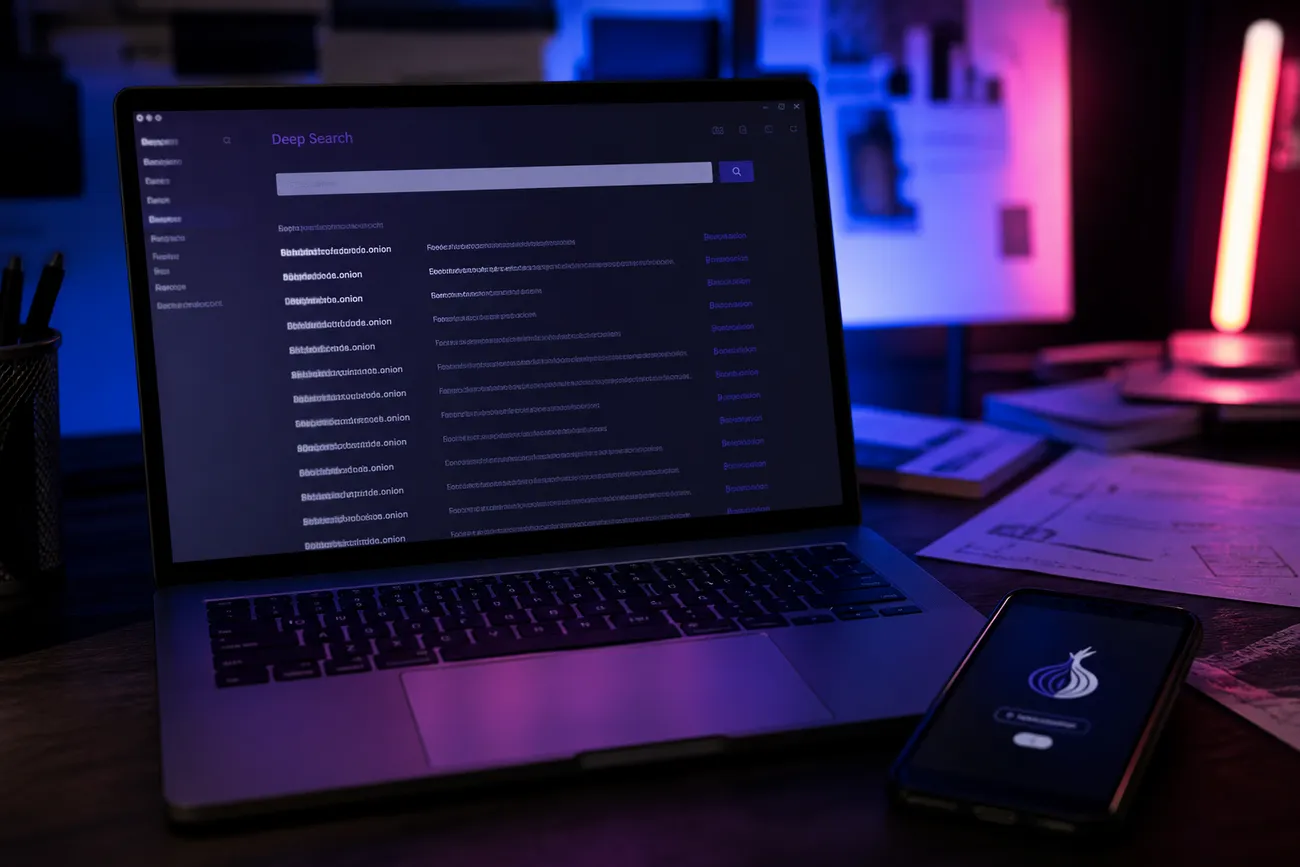
Takeaways
- Start by defining the target: onion services, academic papers, archived pages, or business records.
- Match the tool to that target; Ahmia suits onion discovery, while specialized databases handle research or company filings better.
- Treat every result as a lead, not proof, and compare dates, addresses, and claims across independent sources.
- Expect expired links, duplicate pages, and uneven coverage; free engines are maps with missing streets, not master catalogs.
- Before searching, separate browsing identities, avoid unfamiliar downloads, and confirm that the planned activity is lawful.
If a promising address fails to load, follow these onion site troubleshooting tips before searching for a replacement.
Works cited
- The Dark Web: An Overview
- Google Search Technical Requirements
- Terms of Service — Ahmia
- Evaluating Onion Address Collection Methods
- Updated exploration of the Tor network: advertising, availability and protocols of onion services
- Powerful dataset of CORE
- SEC.gov | Search Filings
- Understanding and using onion services in Tor Browser
- RFC 7686: The ".onion" Special-Use Domain Name
- Does DuckDuckGo Search track you?
- Plugins - Features - Tor Browser
- Audit of the Federal Bureau of Investigation’s Efforts to Notify Victims of Child Sexual Abuse Material
 Finding Deep Web Search Engine Reddit LinksDiscover the best Reddit links for deep web search engines, helping you navigate the hidden web effectively and safely.
 Deep web website search engineDiscover effective deep web website search engines that provide direct access and practical guidance for safe exploration.
 Download Dark Web Websites App SafelyDownload a dark web websites app safely to explore hidden content while protecting your privacy and data. Discover reliable options now.
 Navigating Dark Web Hacking Links: A GuideDiscover how to safely navigate dark web hacking links with practical tips and tools for privacy-conscious users and small business operato…